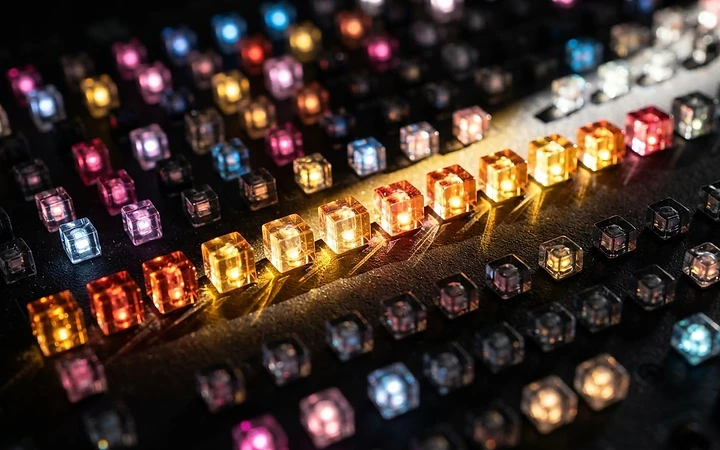
What a Raw Video Viewer Actually Does
Raw video files have no header and no instructions. A viewer's real job is to guess well — or to ask you the right questions.
5 min read
A file with no instructions
Most image and video files begin with a header describing what follows. Raw YUV files do not. They are a continuous run of samples, and the only clue to their structure is the file size. A raw video viewer's first task is therefore to be told — or to infer — how to read the bytes.
The questions every viewer asks
- Width and height. Without these, rows wrap in the wrong place and the image slants.
- Pixel format. I420, NV12, YUY2 and others order samples differently.
- Bit depth. 8-bit samples use one byte each; 10-bit samples usually occupy two.
- Colour matrix and range. Needed to convert YUV to RGB for display.
Some viewers try common resolutions that divide evenly into the file size. That is a helpful guess, not a guarantee.
Beyond simply showing frames
A good viewer is also an inspection tool. Useful features include:
- Frame stepping forwards and backwards, with a frame counter.
- Displaying the Y, U or V plane on its own.
- Zooming to individual pixels and reading their sample values.
- Toggling between colour matrices to see which looks correct.
Spotting a wrong setting
Each mistake leaves a signature. Diagonal shearing means the width is wrong. A picture that repeats in several small copies suggests the wrong sampling ratio. Strong green and magenta casts usually mean the chroma planes are swapped or read with the wrong layout. Learning these patterns makes troubleshooting fast.
Why it still matters
Raw files remain the reference material for codec testing and image-processing research because they contain no compression artefacts. A viewer that makes their structure visible is the first tool anyone working with them needs.
Related articles

PSNR, SSIM and Your Eyes: Comparing Image Quality
Objective quality metrics are useful, fast and repeatable. They are also easy to misread. Here is how to use them alongside visual inspection.


Shooting in Hard Light: Making Midday Sun Work for You
Midday sun has a bad reputation. Used deliberately, its hard edges and deep shadows can become the strongest part of a photograph.

Planar vs. Packed: How YUV Pixels Are Laid Out in Memory
Two files can hold exactly the same picture and still be unreadable to each other. The difference is how the Y, U and V samples are ordered.